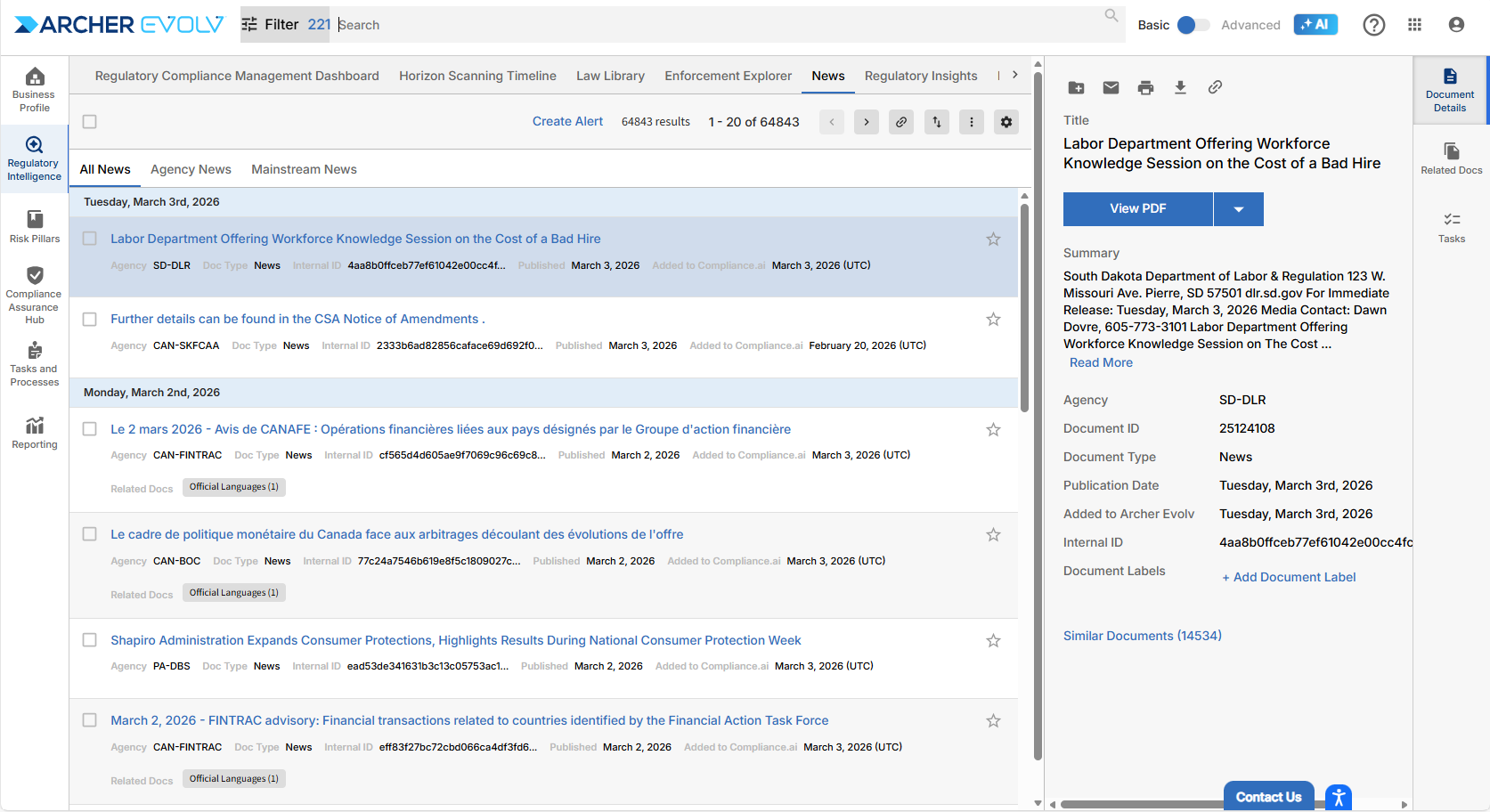
Knowing how to use search views is fundamental to leveraging Archer Evolv for your regulatory change research needs. It’s within our search views that you’ll scan documents and zero in on the items you need to assess.
Custom Views:
Custom Views allow you to personalize Archer Evolv to meet your needs. Each custom view is based on your User Defined Notifications (Alerts) created by you or created by your colleagues and shared with you. The results of these views represent the searches defined by you as most relevant to you and your organization.
There are two types of custom views available to you.
- Standard custom view (single alert)
- Features:
- Customizable graph highlighting any of the following attributes: Agency, Document Type, Concept.
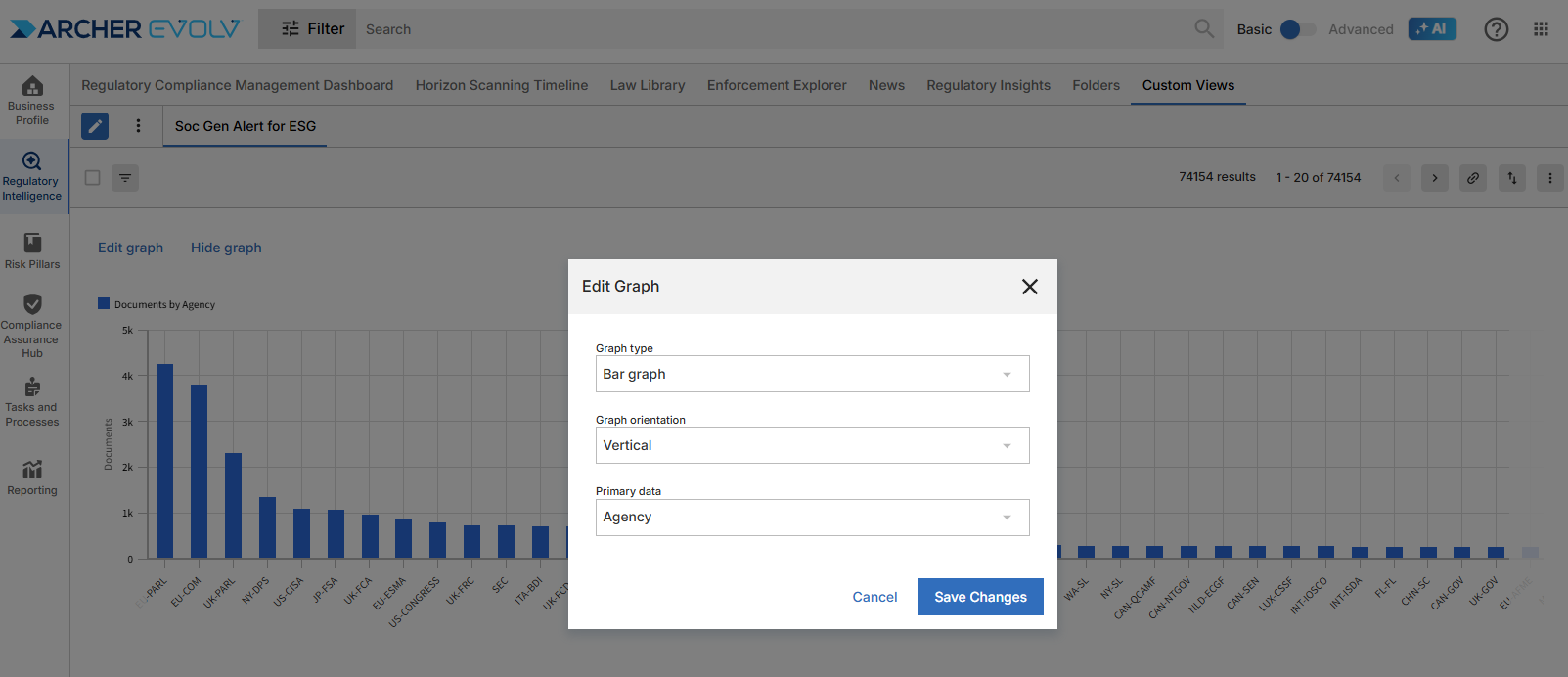
- Choice of graph based on your analysis preferences: bar chart (vertical or horizontal) or donut chart
- Paginated search view of documents
- Ability to review alert configuration
- Access to all standard document tools
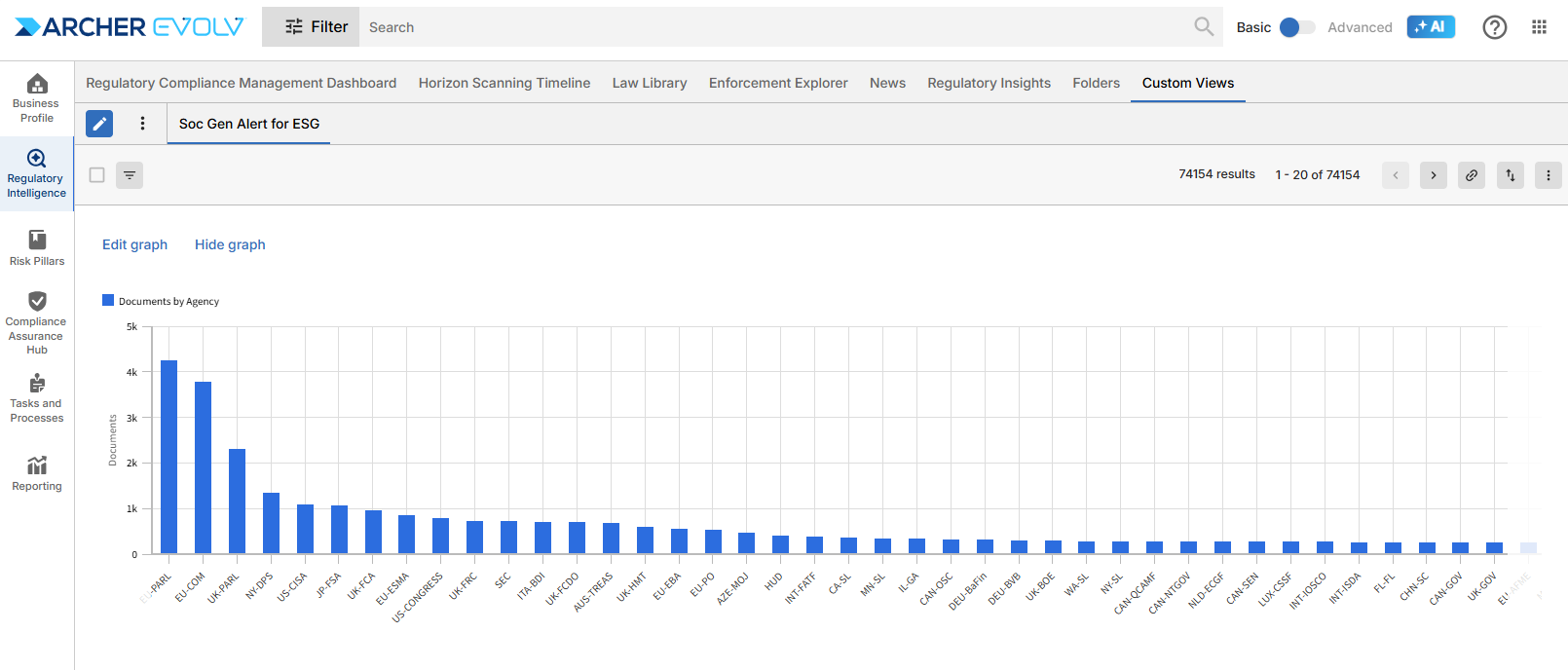
You can edit to update your graph at any time to highlight different information.
- Comparison custom view (based on document mapping)
- Features:
- Customizable graph highlighting the connection between documents found in two different alerts. You can compare based on any of the following attributes: Citation, Topic, or Concept.
- Paginated search view of documents.
- Ability to review alert configuration.
- Access to all standard document tools.
Creating a Comparison View: Document Mapping
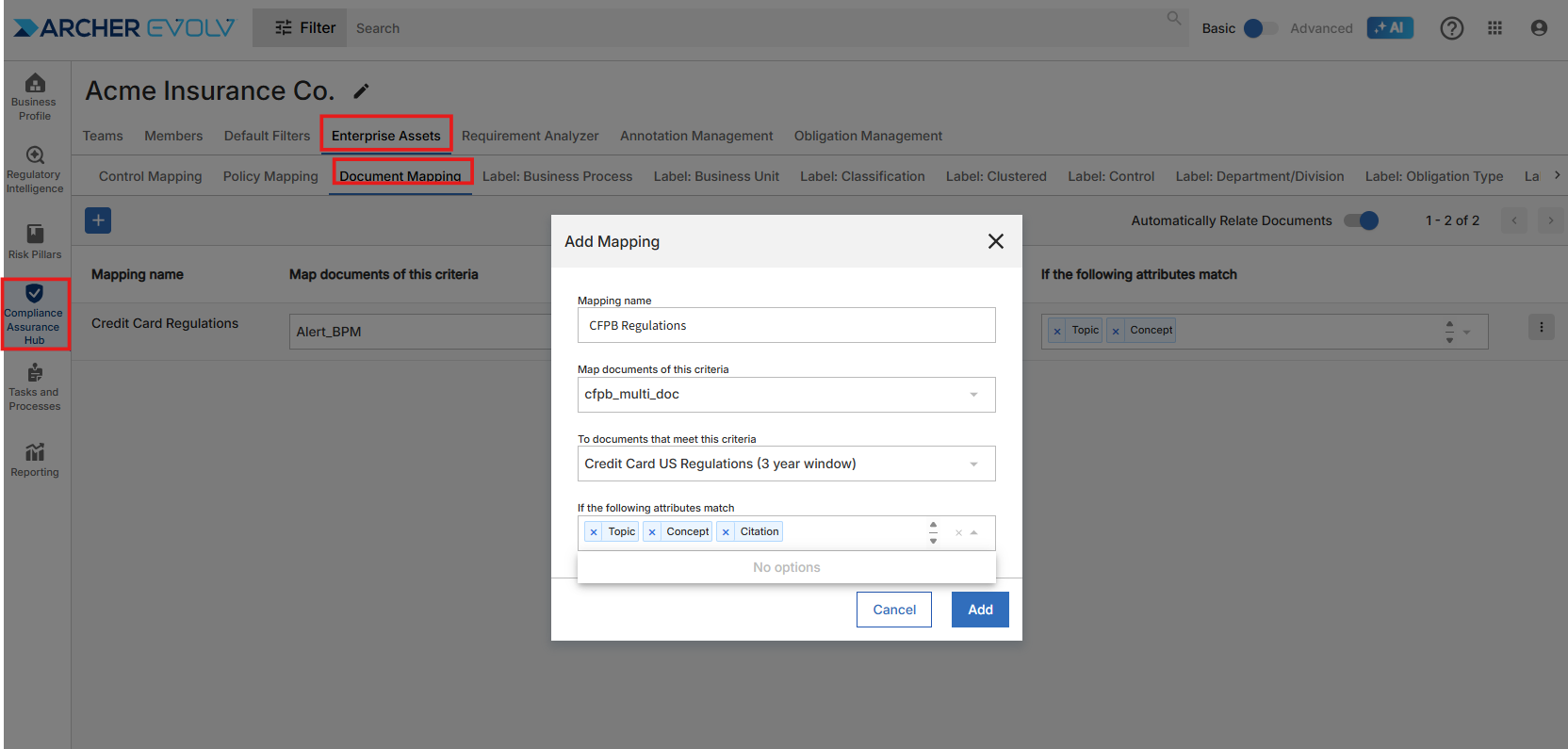
Custom View: Document Mapping
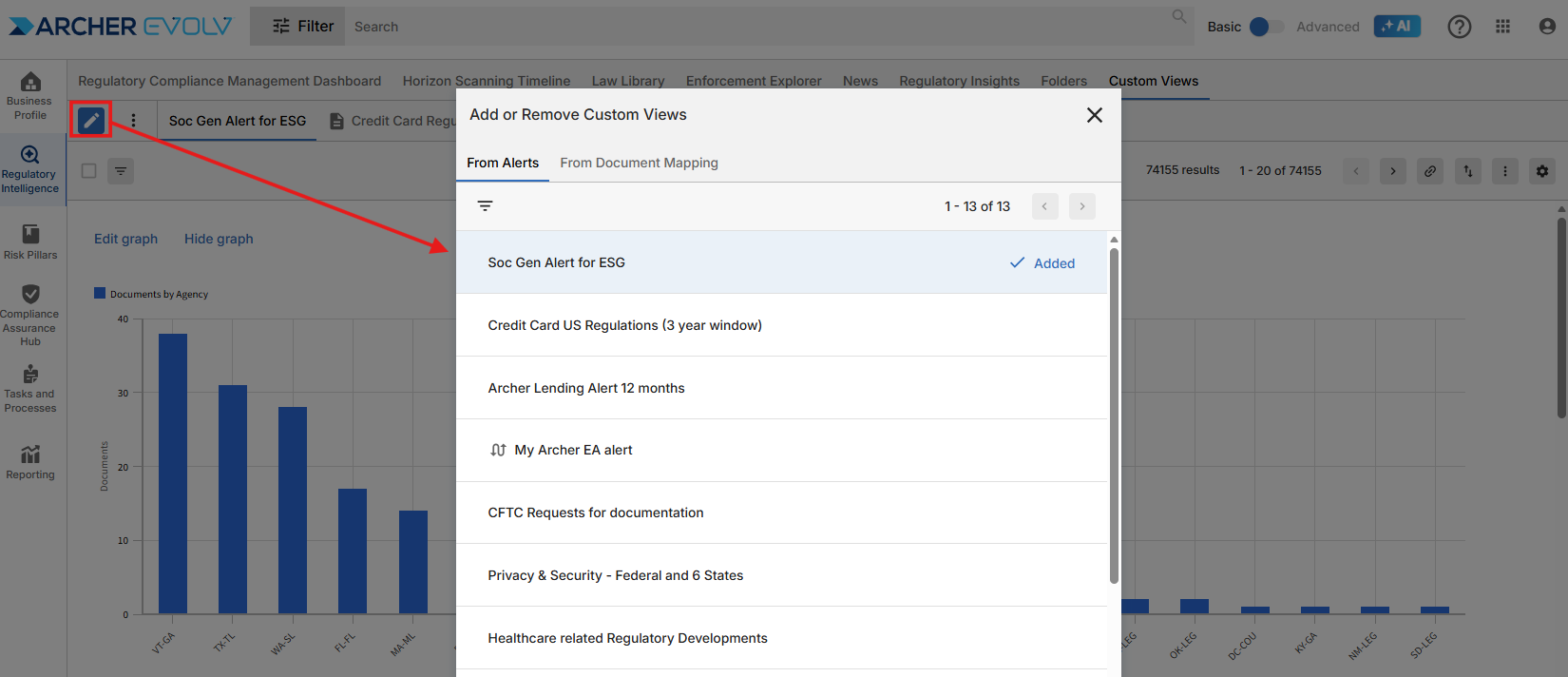
You can add or remove custom views at any time by clicking the pencil icon and adding/removing alerts and document mapping options.
Predefined Regulatory Intelligence Views
In addition to custom views, there are three predefined search views available within the platform: Horizon Scanning Timeline, Enforcement Explorer and News
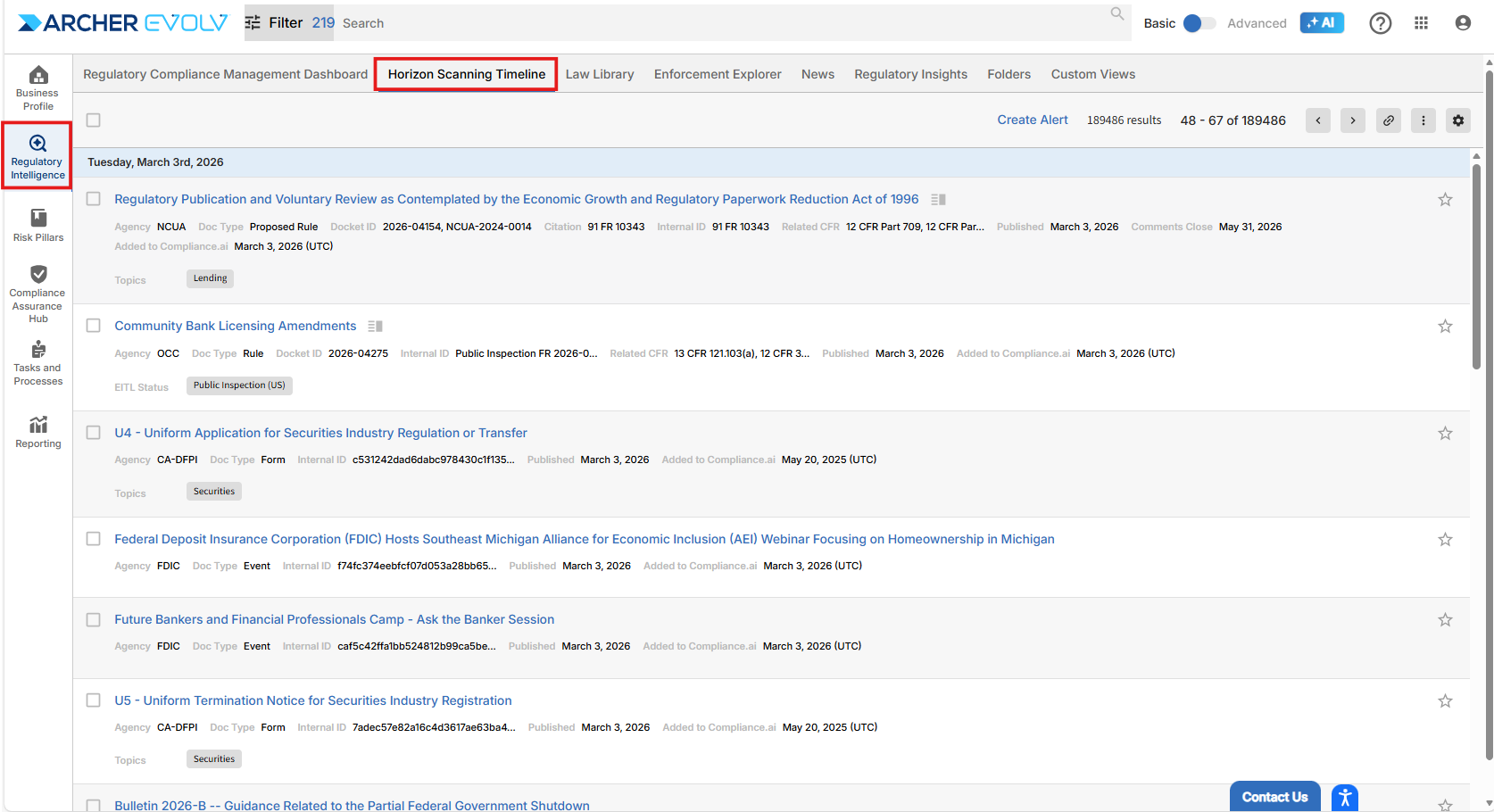
The timeline provides a focused view of changes specific to agencies and jurisdictions you specified within your Default Filters. The Timeline View starts with documents published today and also provides a preview of upcoming events including the effective date.
As with all search views, you can easily scan as well as drill into documents of interest (Select Filing Fee Disclosure, ESG, etc.). By selecting a document, you gain immediate access to critical meta-data including a summary, key dates, docket IDs and related CFRs where applicable, and document labels added by you and your colleagues.
Enforcement Explorer
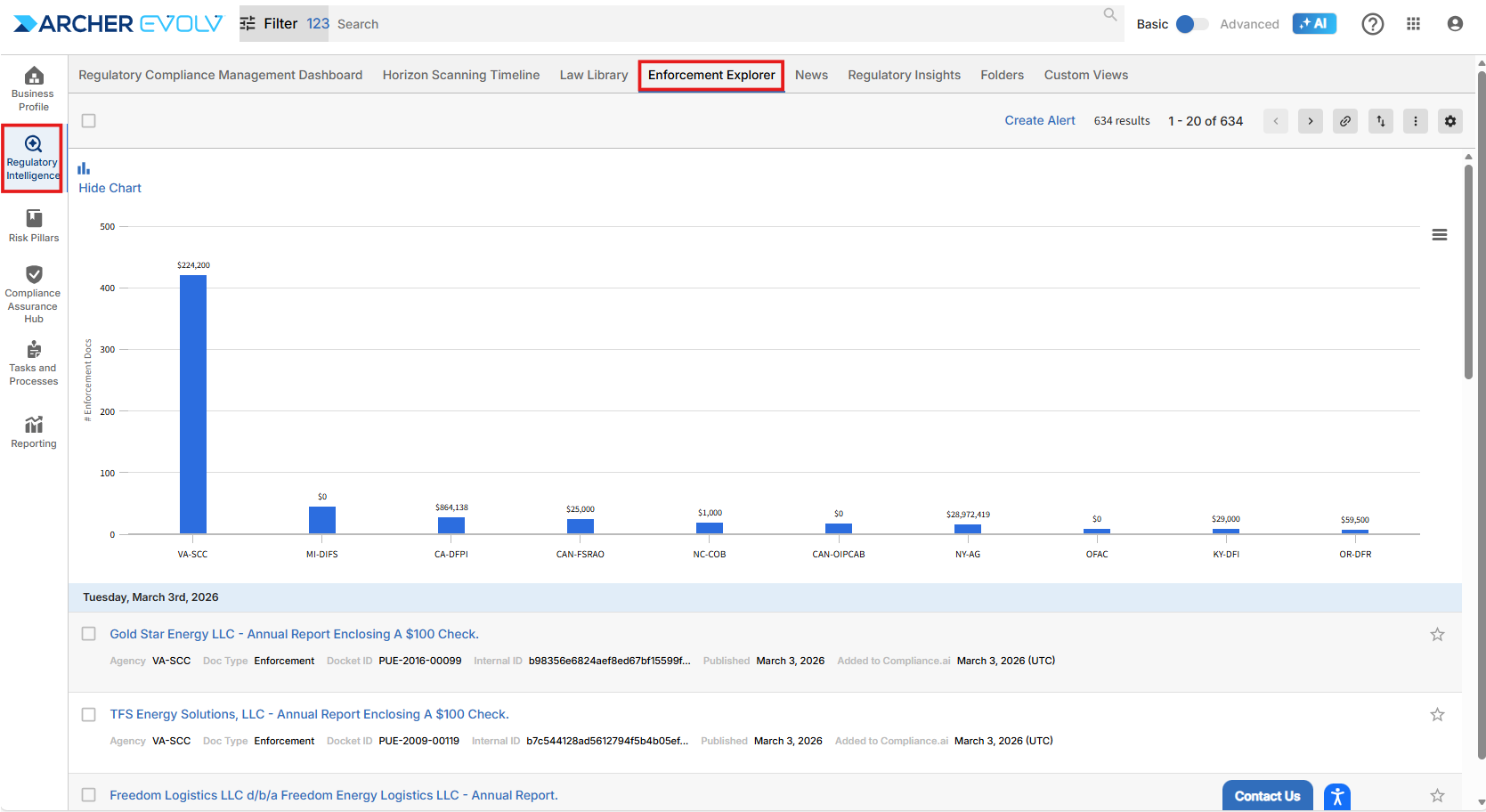
Enforcement Explorer is pertinent for those involved in risk and in the legal area. This view allows users to drill into enforcement actions issued by agencies and provides a graphical representation of relevant, recent documents. Enforcement Explorer also provides additional search capabilities which allows you to search on attributes that are specific to enforcements, such as details about the violation, the respondents, and the penalty if applicable.
Enforcement Explorer also includes an out-of-the-box graph highlighting the most recent 30 days of enforcements published by your default agencies.
News
News gives you the opportunity to review news items published by the agencies you follow, as well as mainstream news stories from publications you’ve indicated are of interest to you within your defaults.
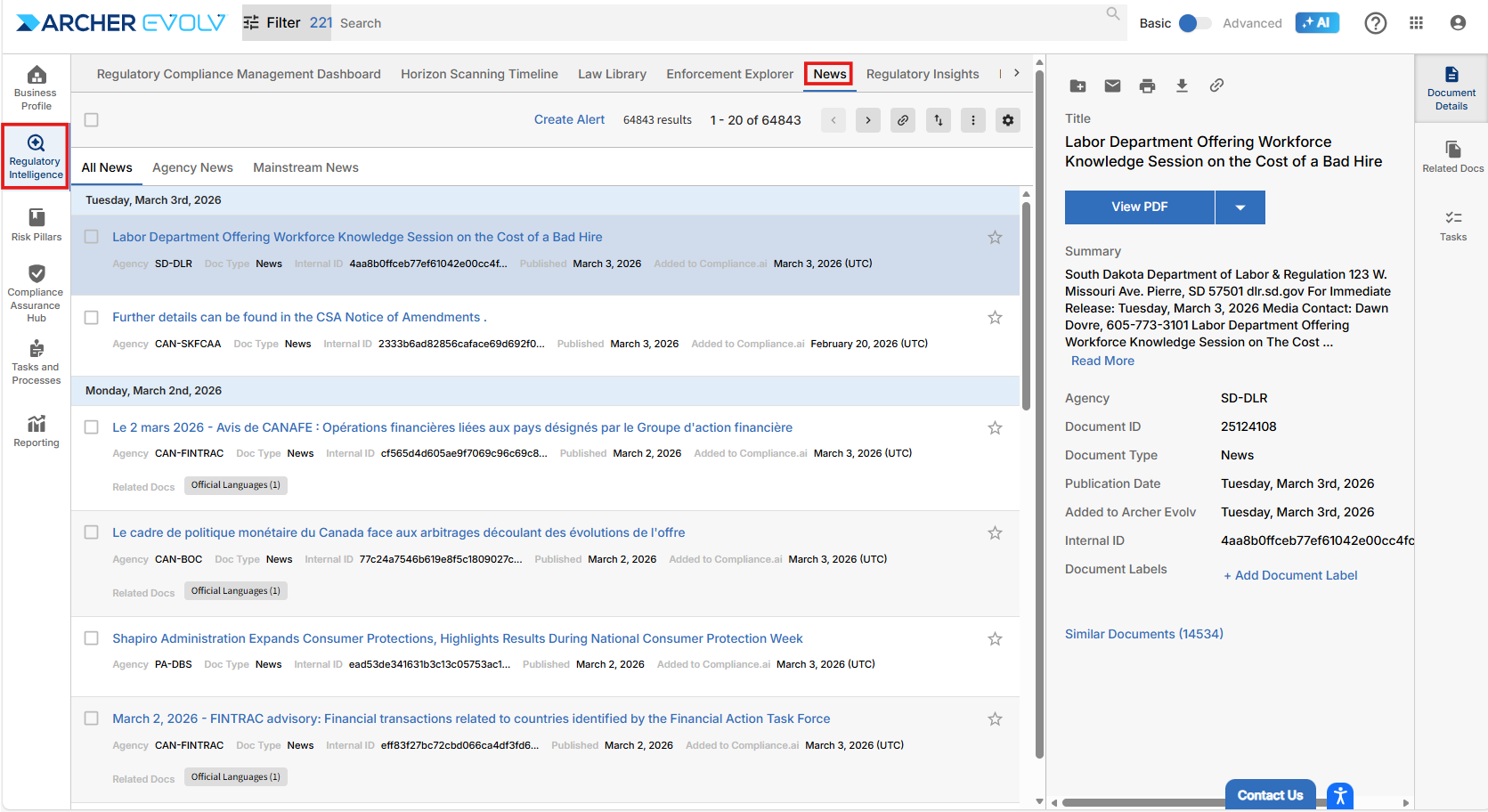
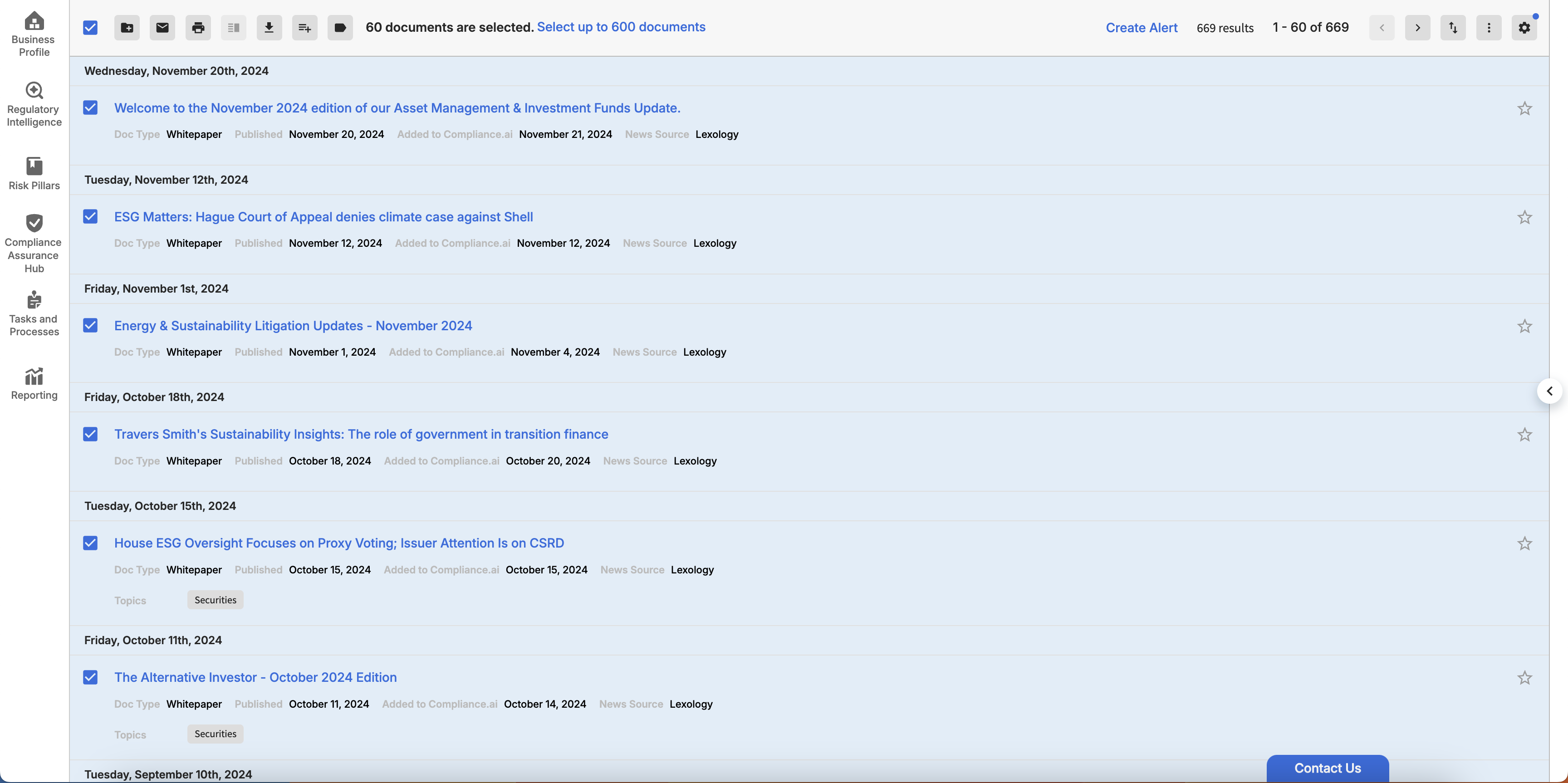
Whenever you search in the platform, you are directed to a generalized search view. Like all the pre-specified search views found within Regulatory Intelligence, the generalized search view gives you access to tools you can leverage across documents, including:
- Adding documents to a folder.
- Sending an email notifying other colleagues of the document or documents.
- Opening and printing PDFs.
- Comparing the text within two related documents for changes.
- Downloading document meta-data in CSV or Excel format.
- Add workflows to documents on the fly.
- Labeling documents.
When you access a document from any view, the right panel provides expansive access to robust meta data and tools to help assess regulatory content per document, including:
- Document Details: if you are reviewing high-level information about the document or want to review a document PDF or access the document on the source.
- Dockets, if you are reviewing a document that’s in a docket that includes multiple documents.
- Expert Connection when we have suggestions for Archer Evolv partners who can provide additional context to help guide you through the regulatory change.
- Auto Summary, which provides a short summary of longer regulatory documents.
- Related Documents when our system has identified related regulations, official versions in other languages, or even premium content that is directly connected to the document in view.
- Tasks if you are a Team Edition user.
- Annotations, which allows you and your colleagues to highlight and take notes.
- As well as Obligations, which calls out obligatory language on regulatory documents.