Archer Evolv keeps a comprehensive record of all actions taken on your tasks and workflows.
Our reports are designed to help you keep track of all tasks assigned, with specific details of actions taken on each task, including task creation, assignment, and reassignment, comments added, drop down selections, attachments added and task completion.
Each action is time stamped to ensure that you have a full, auditable history of all workflow activities in the system. You can export these reports during audits, for resource planning, and to report to executives.
Specific reports include:
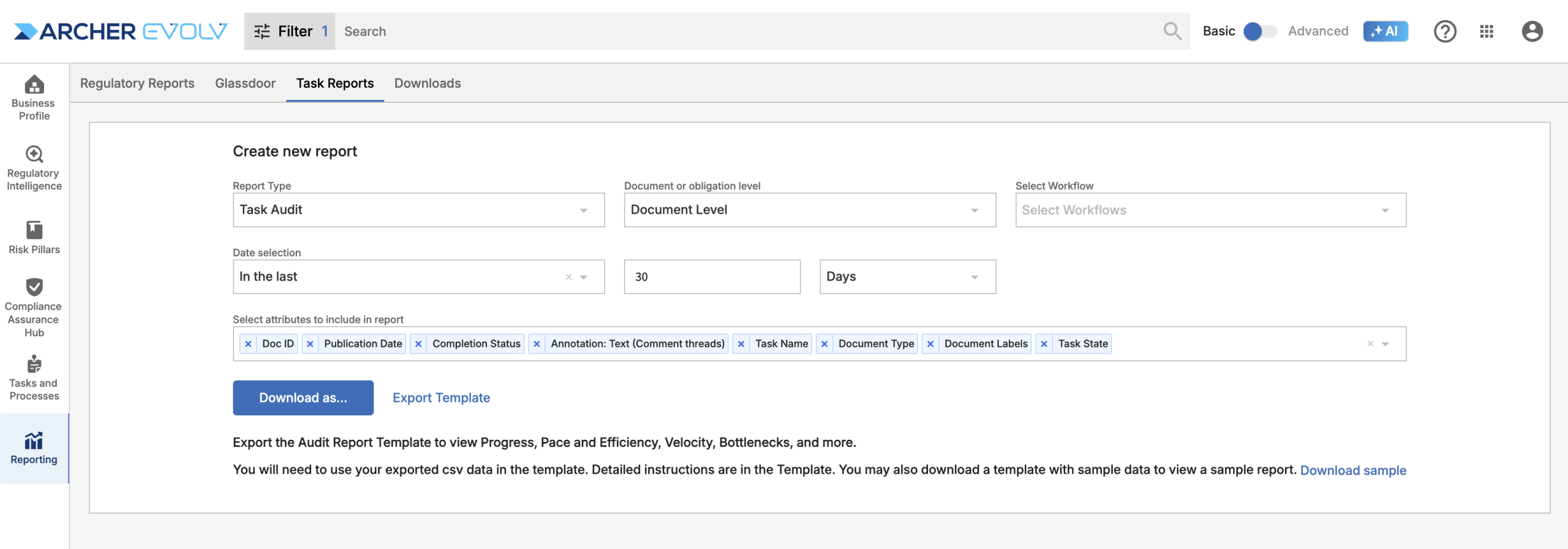
Task Audit: Report includes a full task history of all tasks within the system over a specific time period. This report is designed to help you respond to audits and allocate resources.
Features:
- Select the type of report – document or obligation level.
- Select one or more workflows. Leave blank to retrieve records for all workflows.
- Select a specific time period.
- Select specific attributes (data fields) for export.
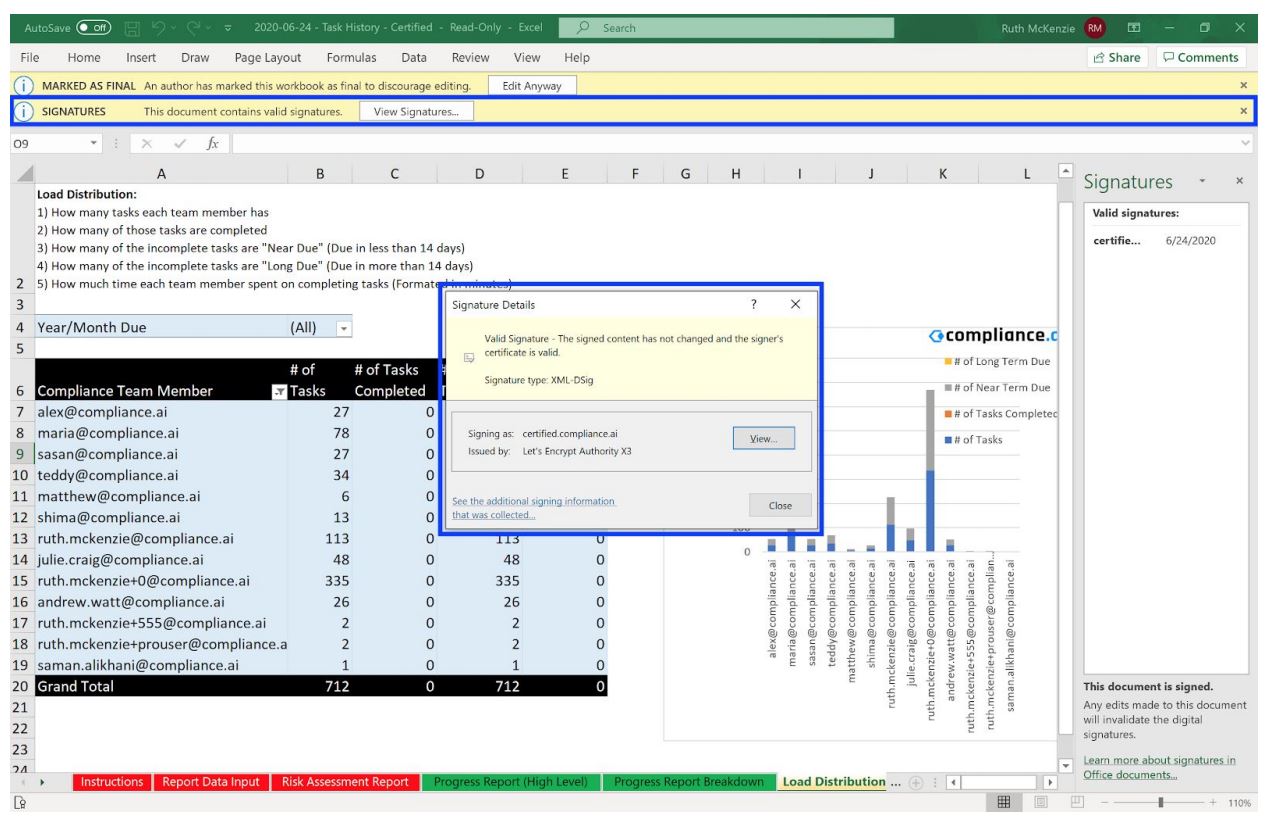
- A Certified version of the report, which includes a valid X.509 certificate. This provides proof that the document has not been altered.
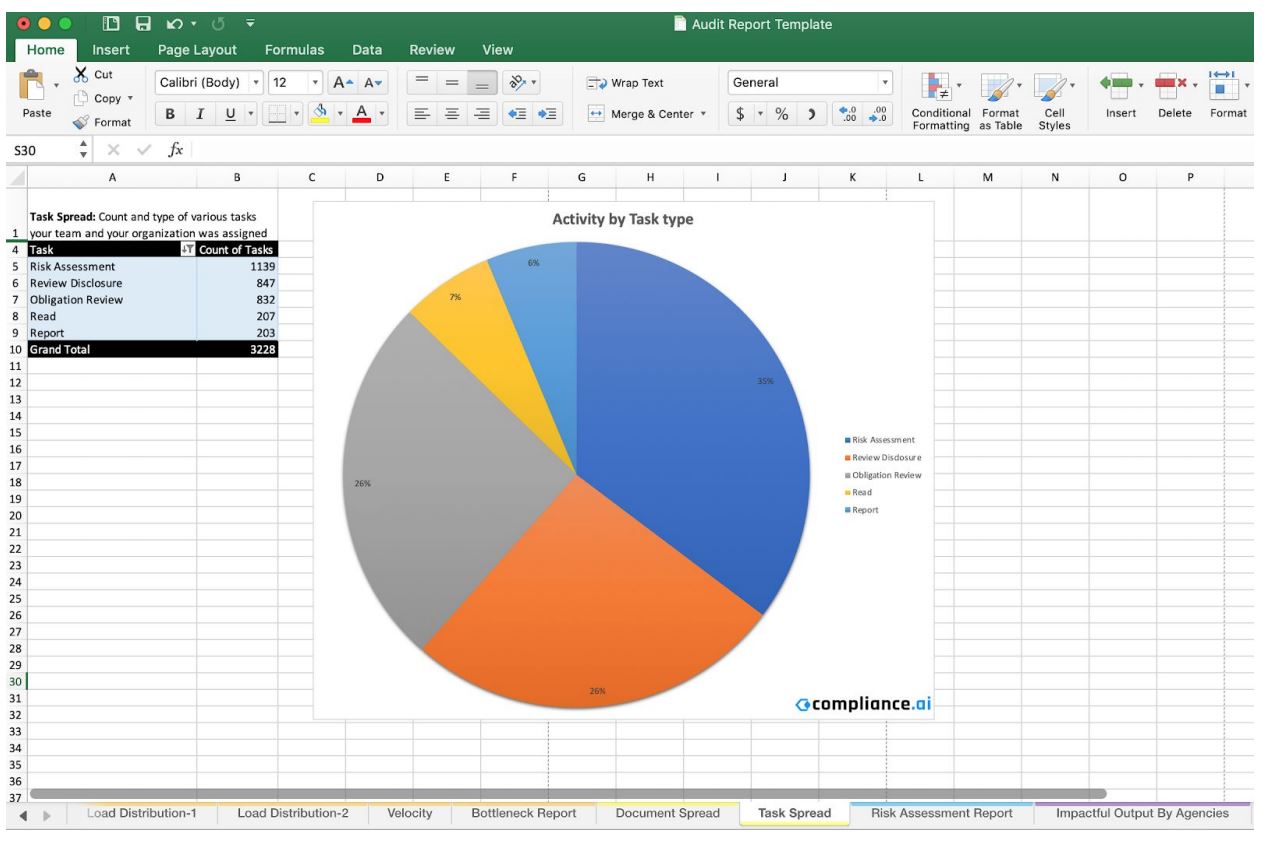
- You can use the Export Template to leverage built-in pivot tables designed to highlight bottlenecks, velocity, pace and efficiency concerns related to your current workflows. This report can also justify the activities within the organization in terms of processes, rules, and policies within your organization. Simply copy your exported task report CSV file into the Excel template to review this information.
Sample: Certified Report
Sample: Task Report Template
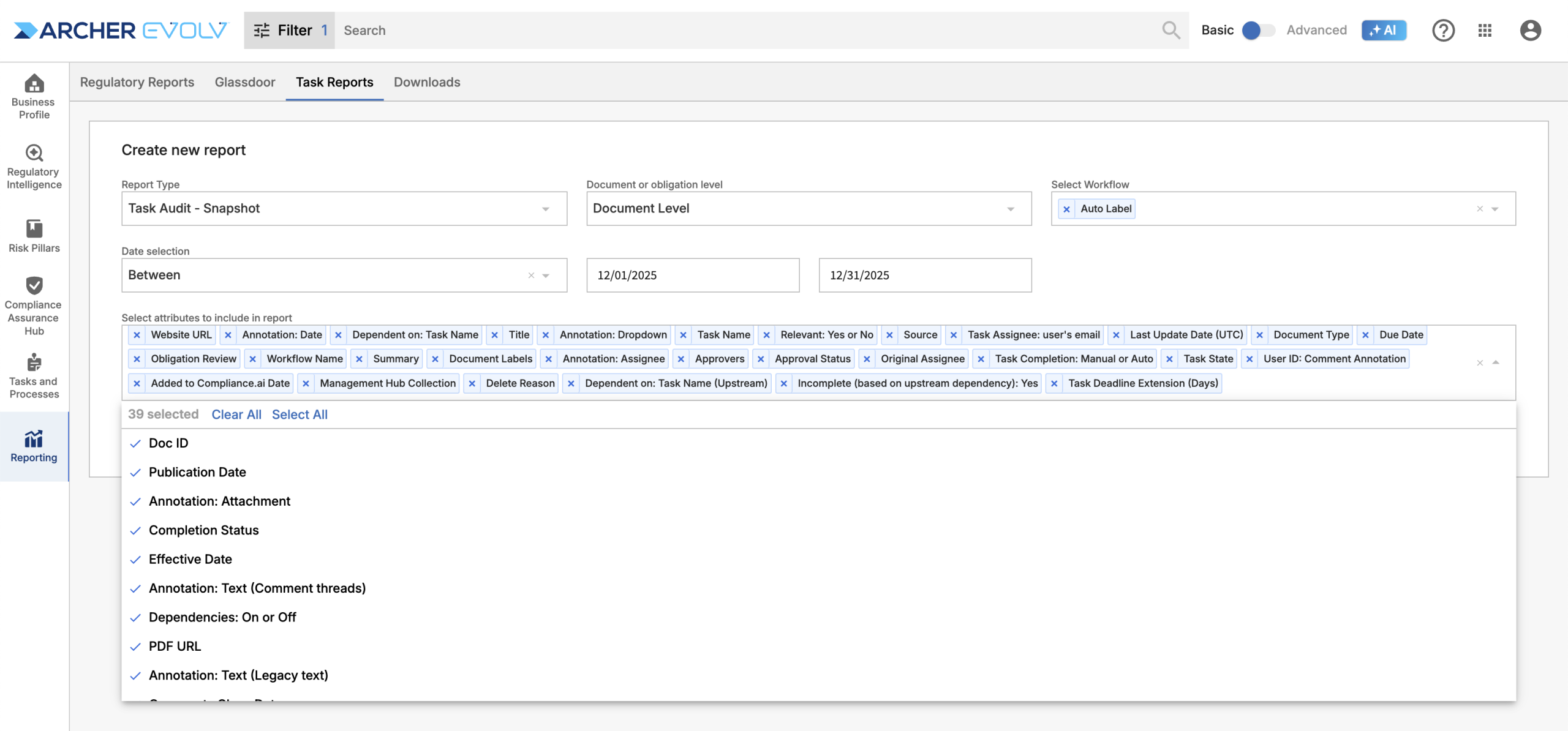
Task Audit Snapshot: Report includes the most current event for all tasks within the system over a specific time period. This report is designed to help you understand the current state of all tasks.
Features:
- Select the type of report – document or obligation level.
- Select one or more workflows. Leave blank to retrieve records for all workflows.
- Select a specific time period.
- Select specific attributes (data fields) for export.
- Provides an easy-to-digest current status of all tasks created during the selected time period. There’s no need to wade through rows of changes when you only need to understand the current state of your tasks.
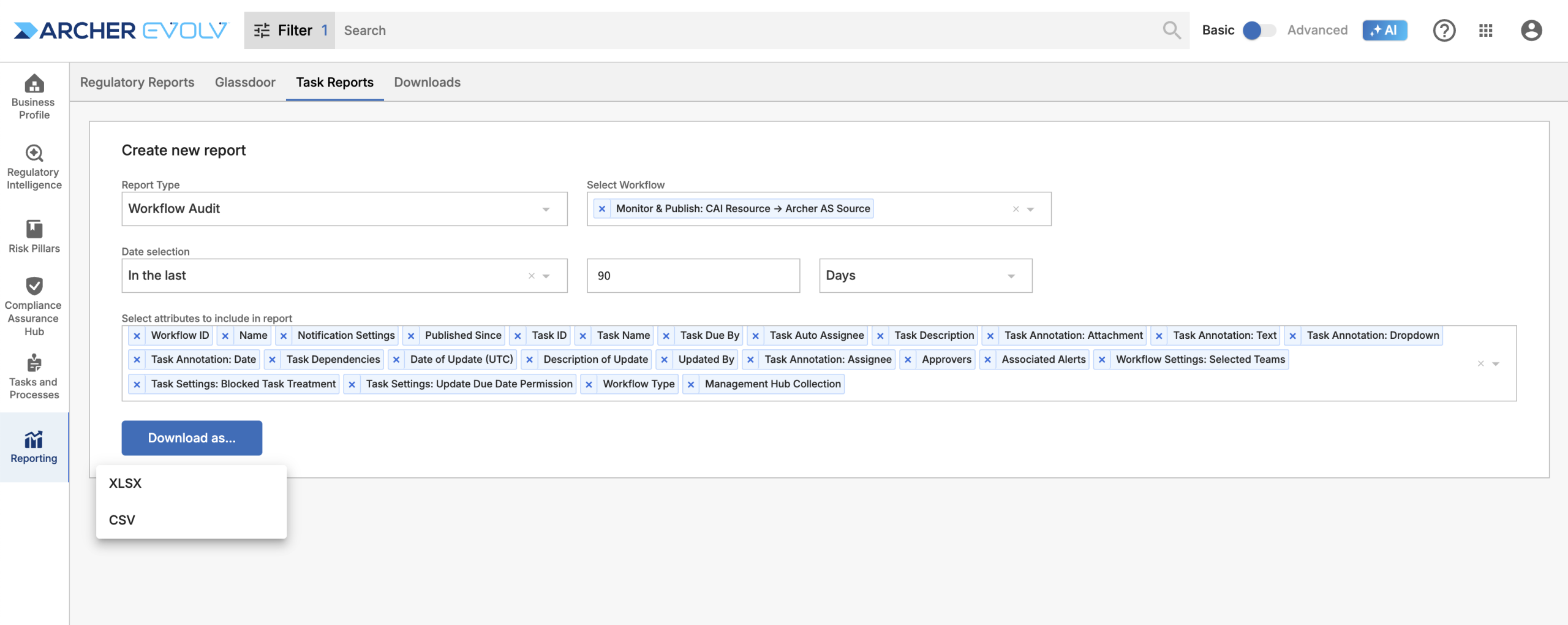
Workflow Audit: This report provides details about one or more workflows created or edited during a specific time period. It is designed to help you monitor your workflows and track changes make in the workflows themselves over time, so that you are aware of any differences in how your team members are completing steps in their workflows for documents over time.
Features:
- Export details for one specific workflow only or across all workflows.
- See any changes made to your workflows over time.