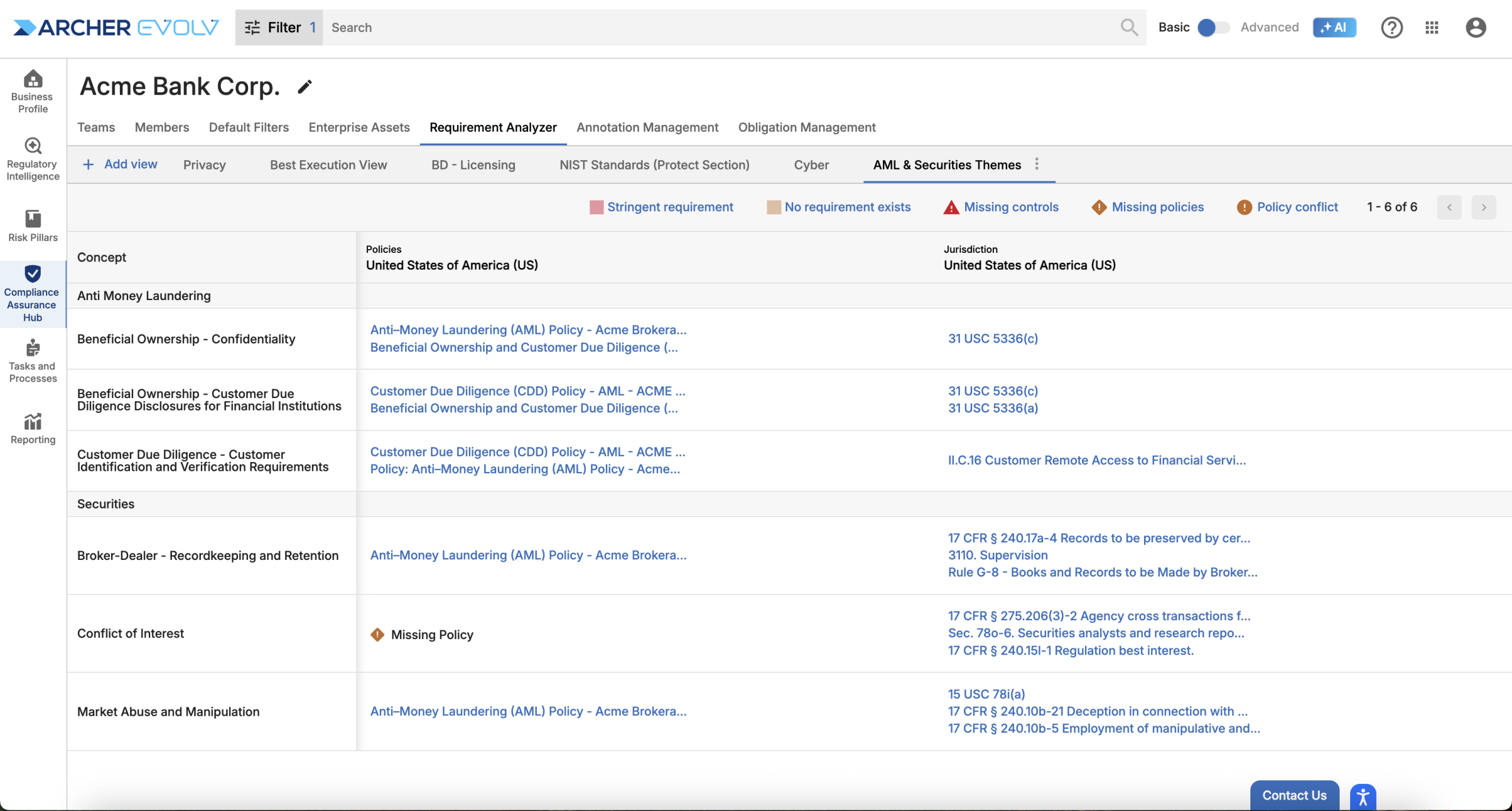
The Requirement Analyzer allows you to compare regulatory themes across jurisdictions and identify:
- Governing documents by jurisdiction
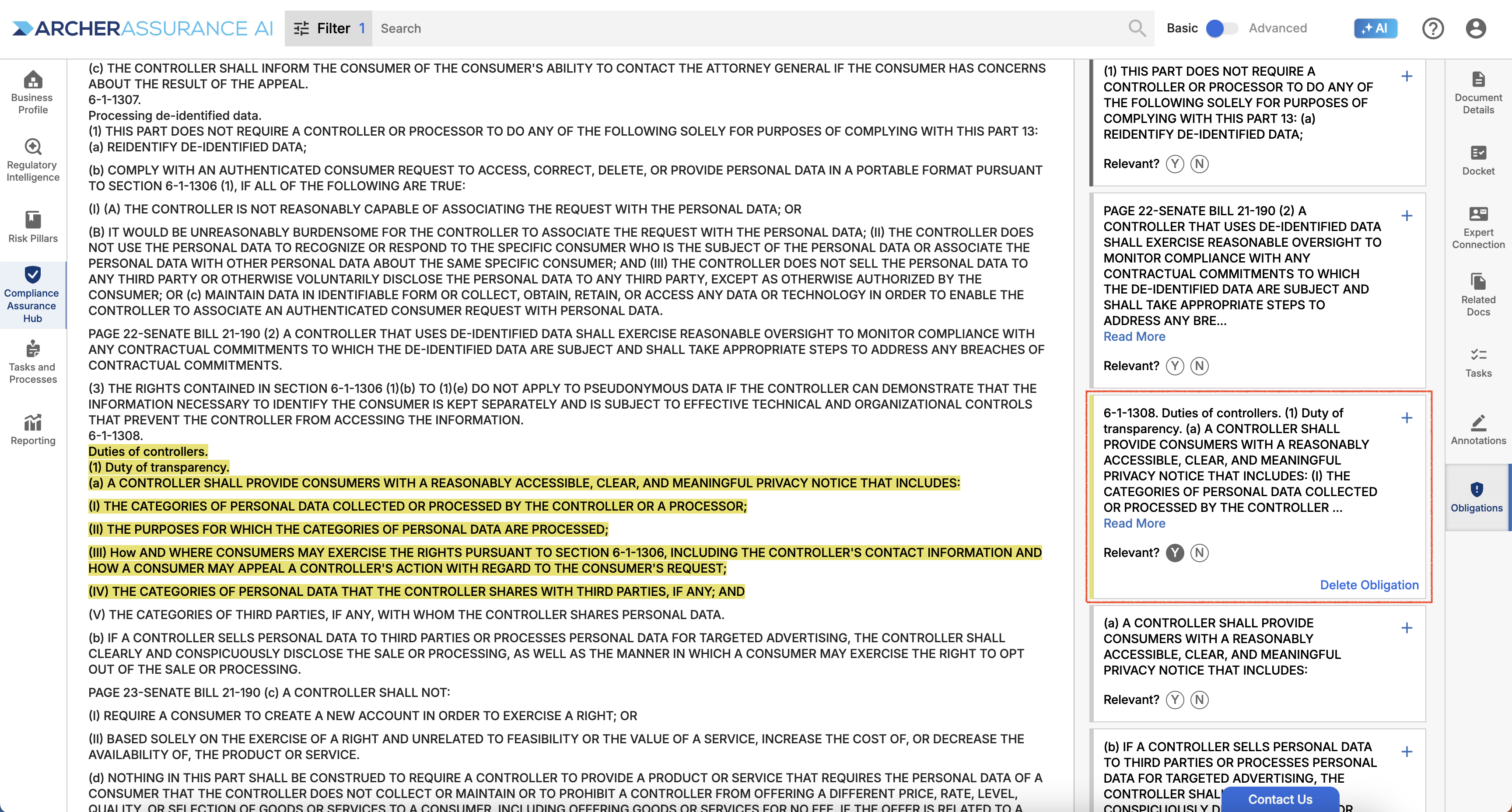
- Specific requirements related to regulatory themes by jurisdiction
- Policy conflicts arising from differences in requirements across jurisdictions
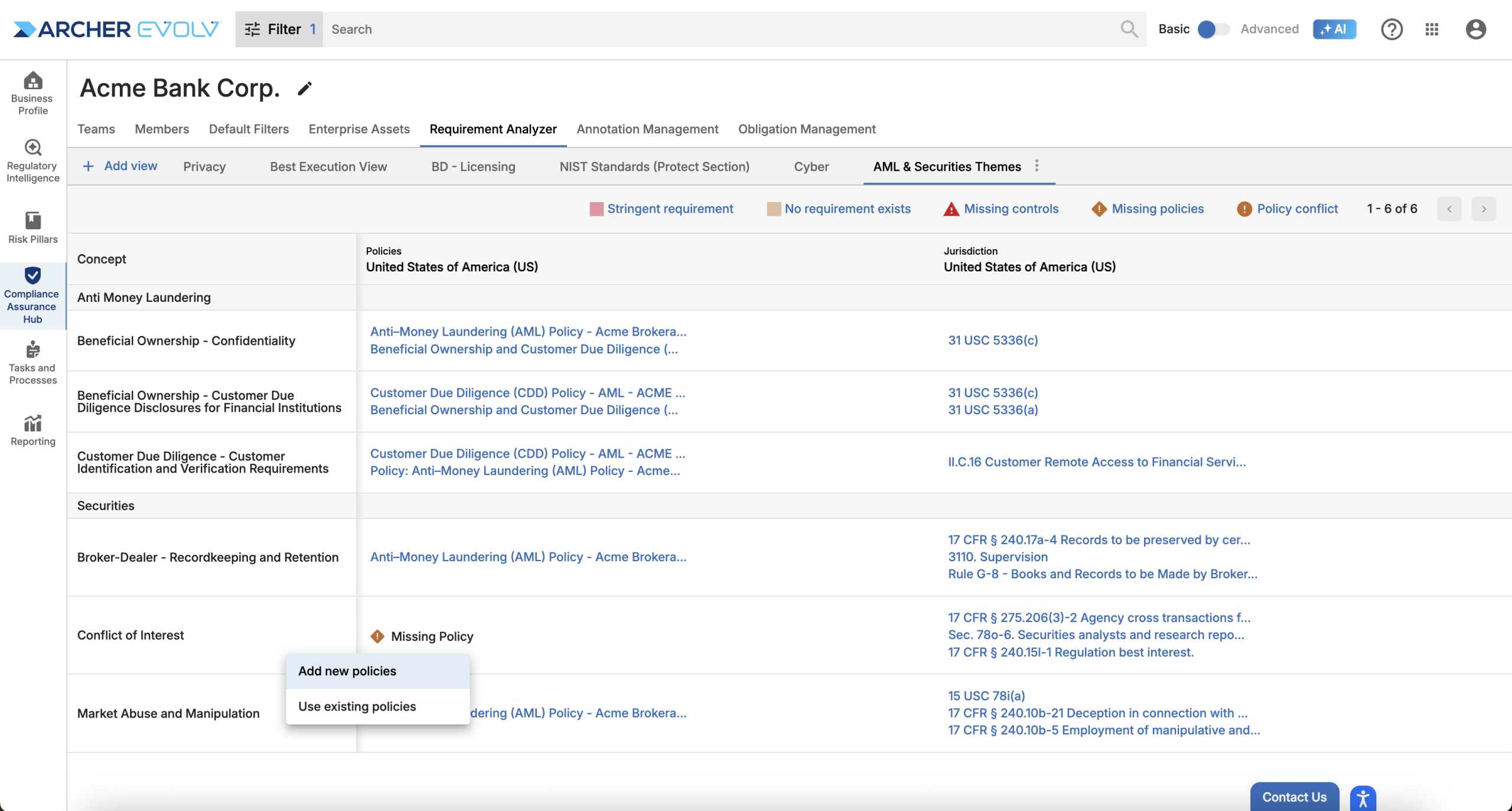
- Missing policies related to specific regulatory themes by jurisdiction
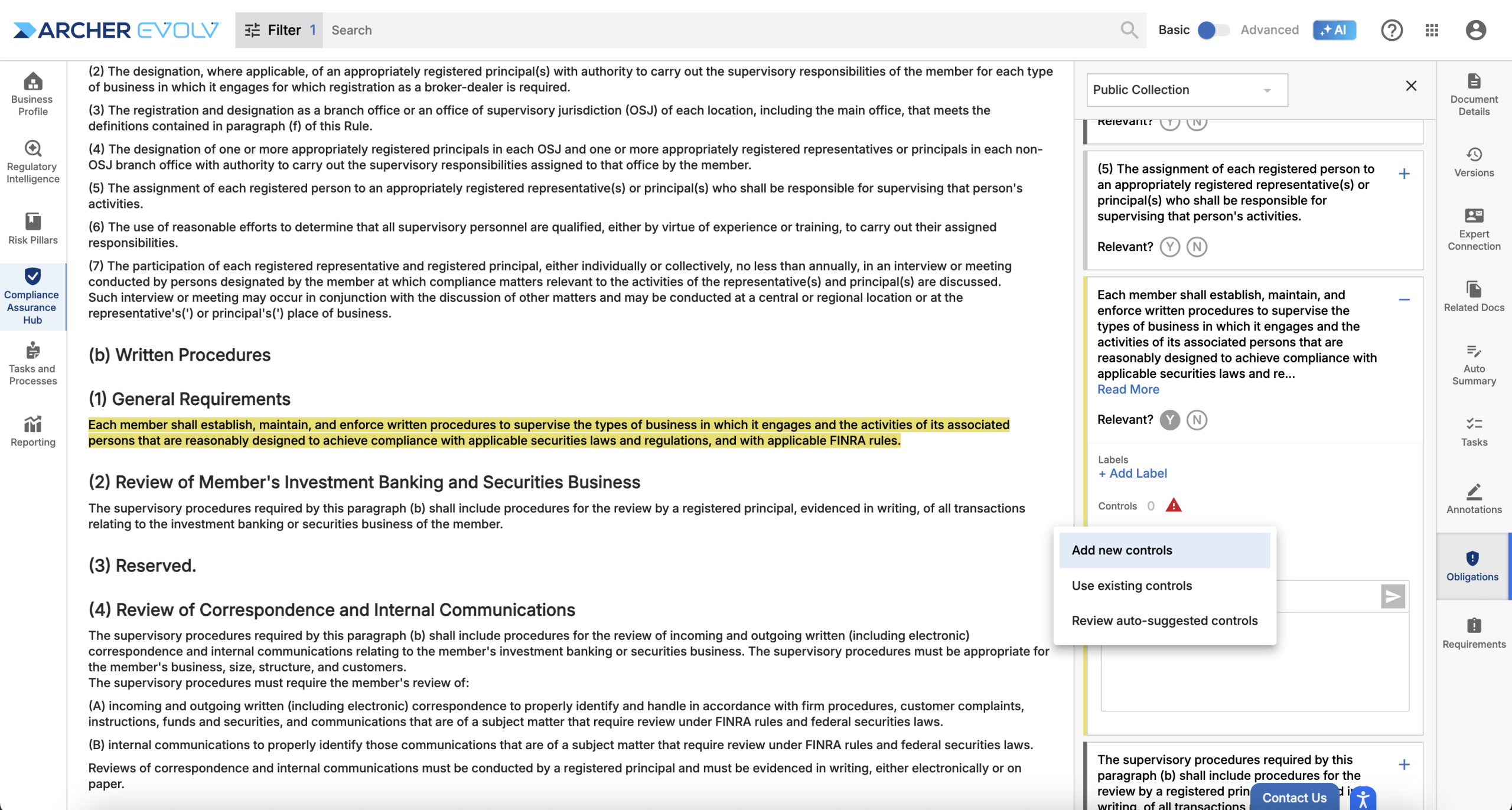
- Missing controls related to specific regulatory themes by jurisdiction
- Perform comparisons using standards (e.g., NIST) as your baseline
In addition to helping you identify gaps and conflicts across regulatory themes, jurisdictions and standards, the Requirement Analyzer allows you to immediately generate new controls or apply your existing policies and controls to uncovered jurisdictions / regulatory themes. If you’re exploring a new jurisdiction, the Requirement Analyzer can also help you by pinpointing differences between your existing jurisdictions and new potential jurisdictions that may require you to modify, or add new policies and controls.
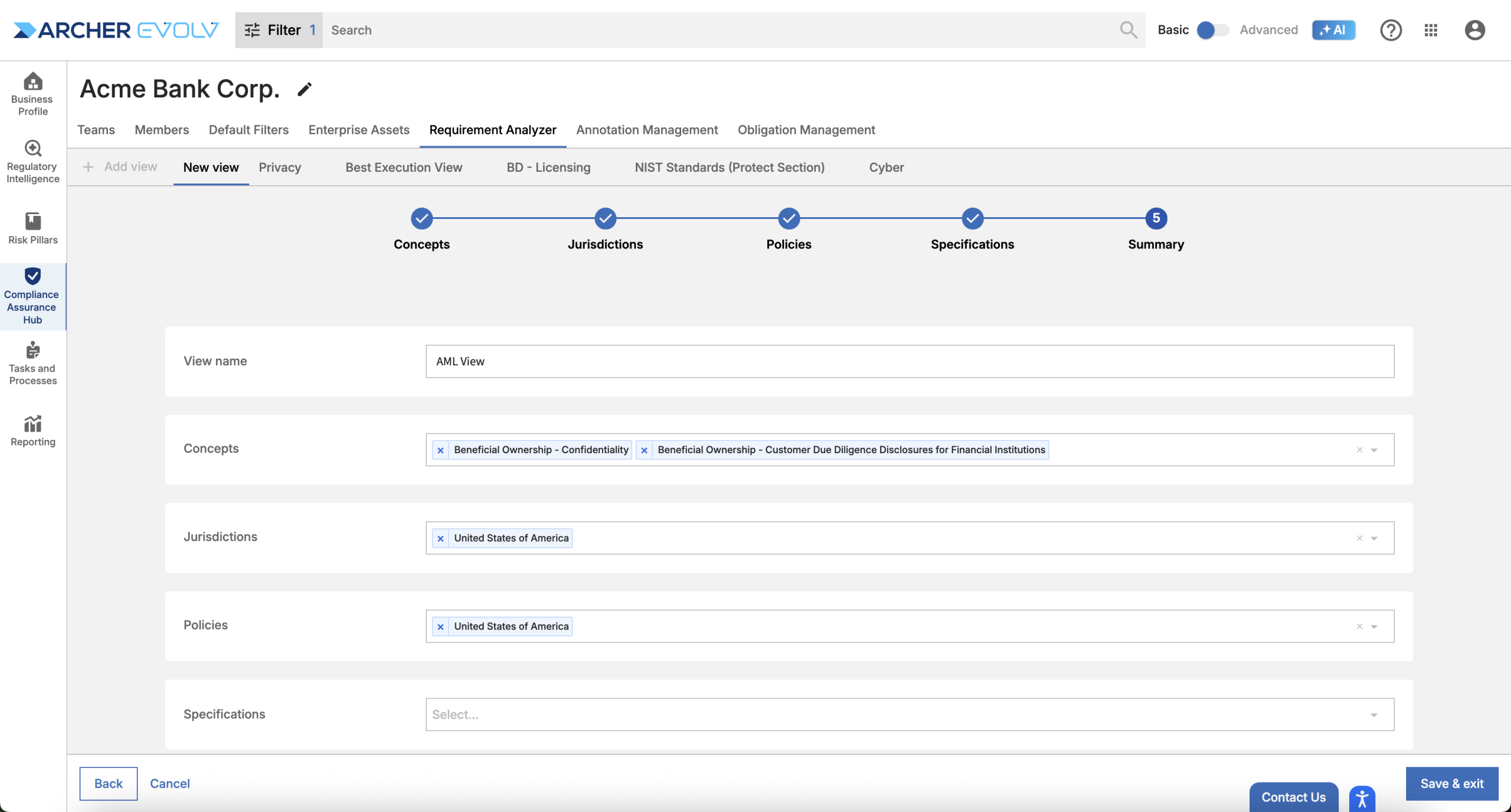
To begin assessing your policies and controls with respect to regulations and standards, create one or more views relevant to your business.
Create a view by selecting “Add view”.

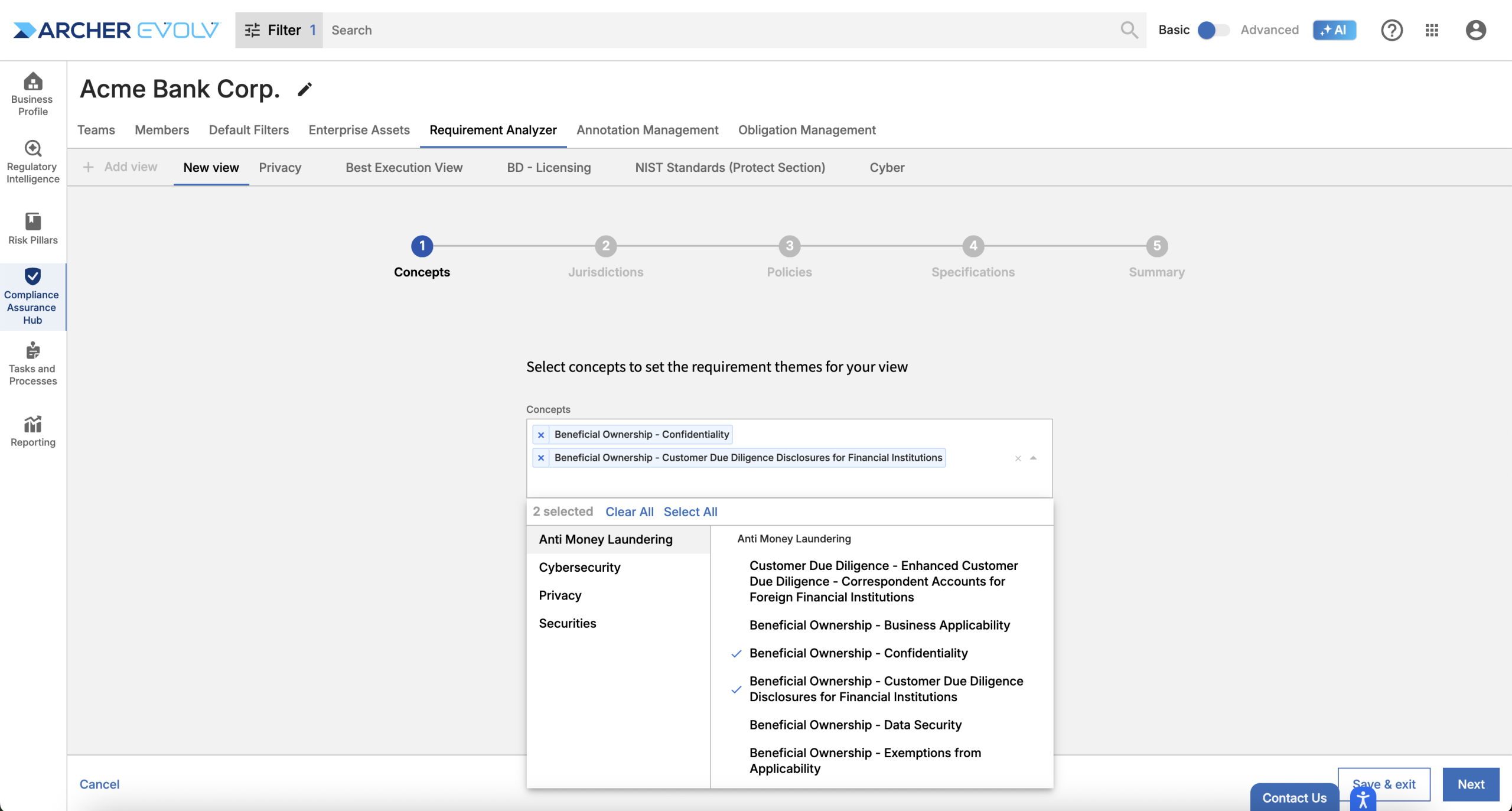
Next, select the regulatory themes, or concepts you wish to use for your comparison.
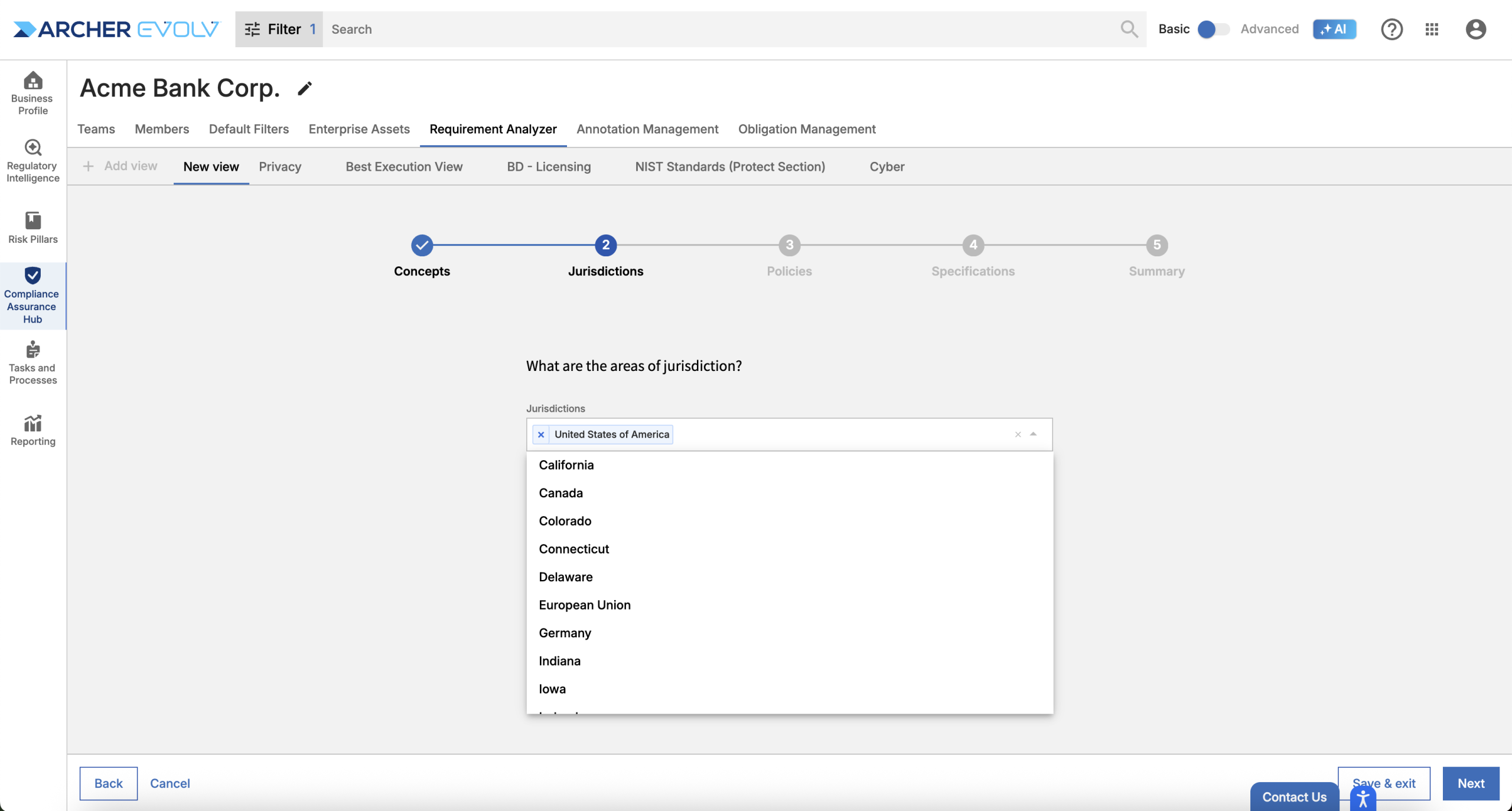
To compare your policies against regulatory documents, select one or more jurisdictions.
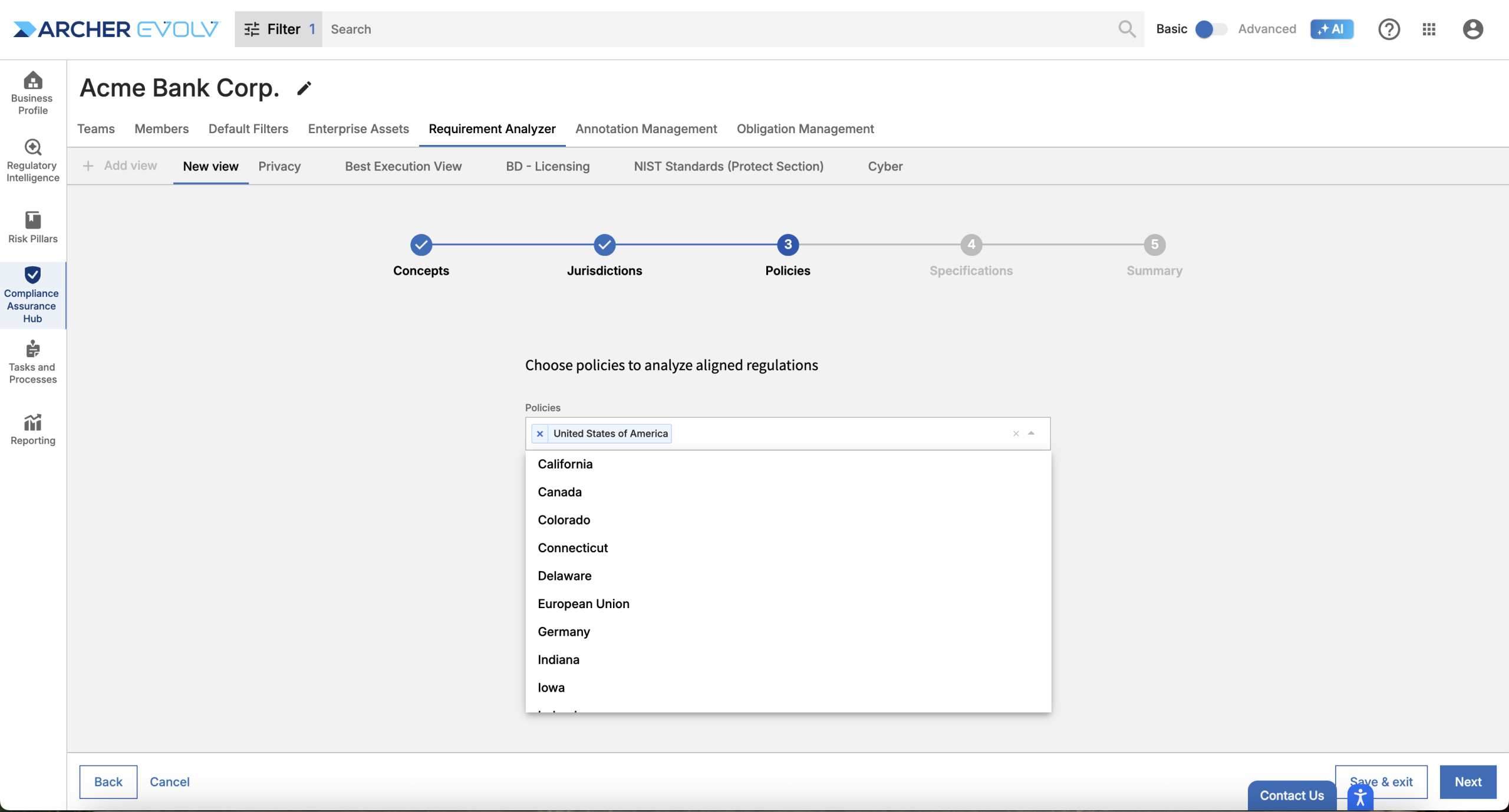
Next, you can indicate the jurisdictions associated to your policies.
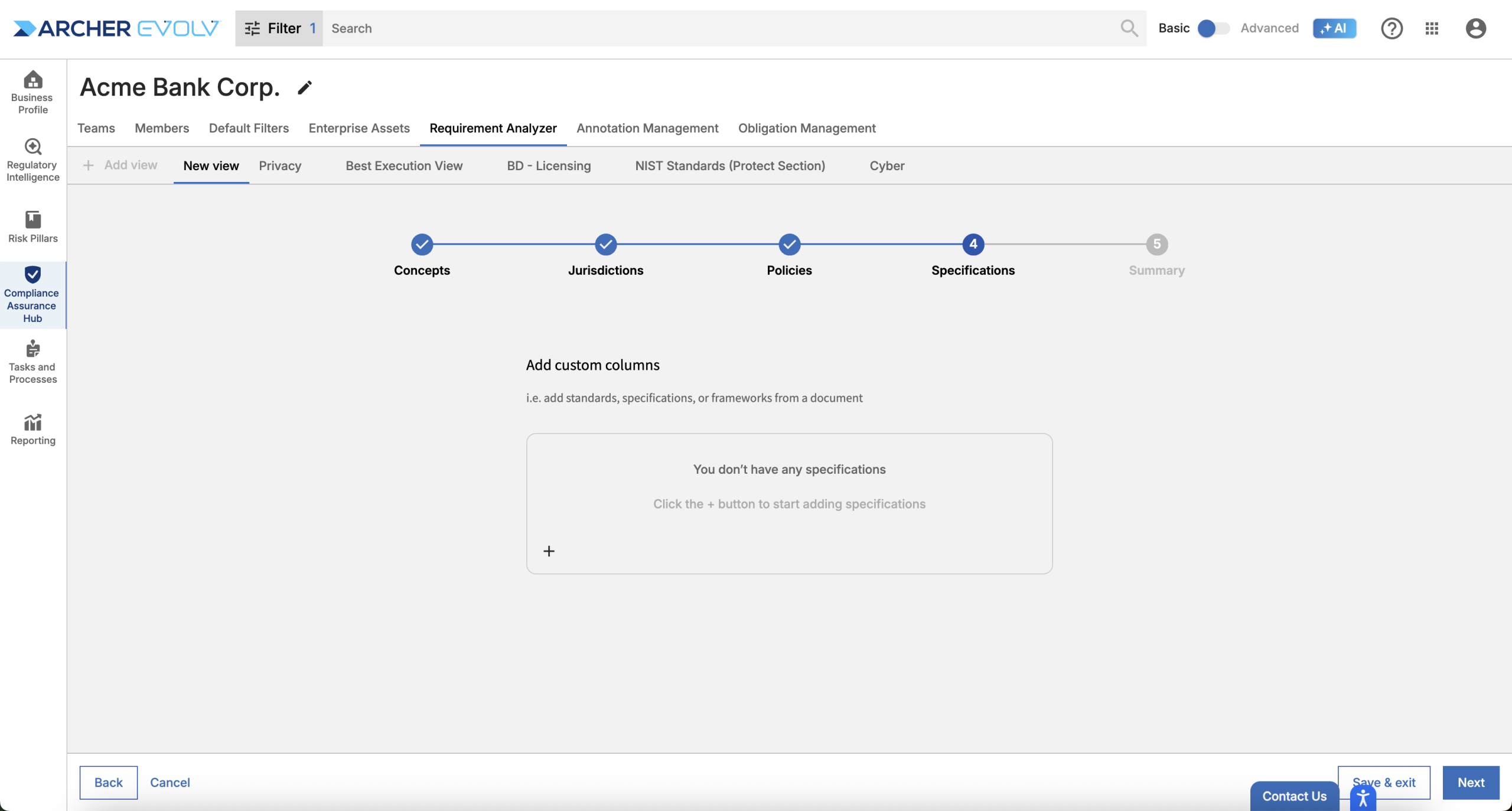
Next, you have the option to indicate one or more specifications as your point of comparison. Note that if you wish, you can create a view that includes both regulations and specifications.
To finalize your view, name it and click Save & exit.
Now, use your view to identifying governing documents and perform comparisons.